
3pLevel
The off-road inclinometer. Roll and pitch on a 3D vehicle, with limit alerts.
For iPhone, and Pro for iPhone and iPad


Compass for iPhone and iPad
3pNorth shows your heading, your coordinates and where north really is. Quick to read, nice to look at.
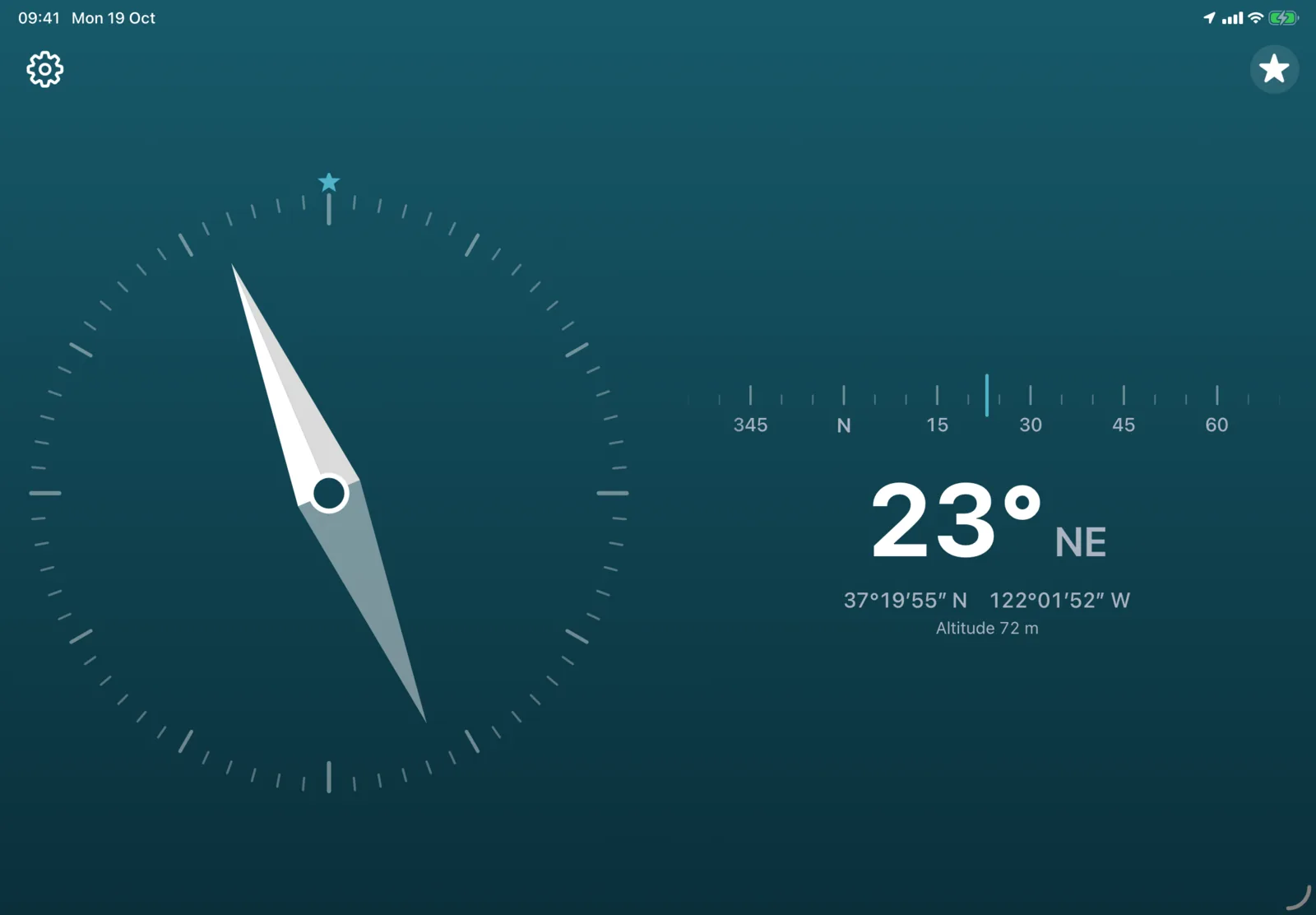
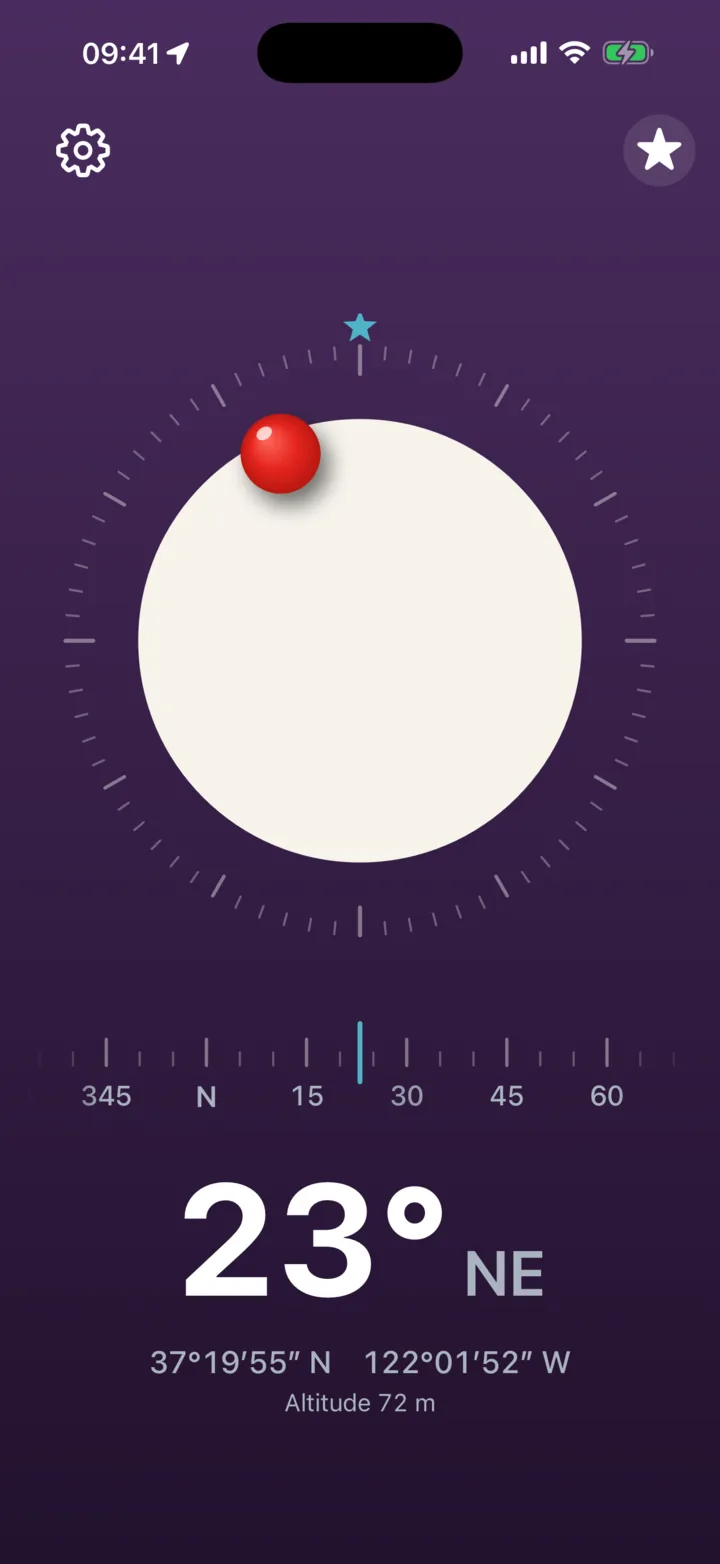
One screen, one job. Open it and you know which way you are facing.
3pNorth points to true north, the real geographic one, using your location to correct the compass. Prefer magnetic north? Tap the star at the top right.
A big number and a heading tape that shows what is ahead. Don't want the tape? Turn it off in Settings.
Six faces and 12 backgrounds, including true black for OLED screens. Or pick Automatic, and it goes light or dark with your device.
In three formats: decimal degrees, degrees minutes seconds, or degrees and decimal minutes. Your altitude shows too, when the GPS signal is good.
And with larger text. Double-tap with two fingers to hear your heading, or turn on Speak heading and it tells you when the heading settles.
If the compass is not accurate, a small "calibrate" shows up at the top. Tap it to see how to fix it with a figure 8.
A white disc with a red ball, a ring, a classic needle, an arrow, or something less serious: a paper plane or a rocket. Then pick one of 12 backgrounds to go with it.
Or Automatic: Paper by day, Black at night.
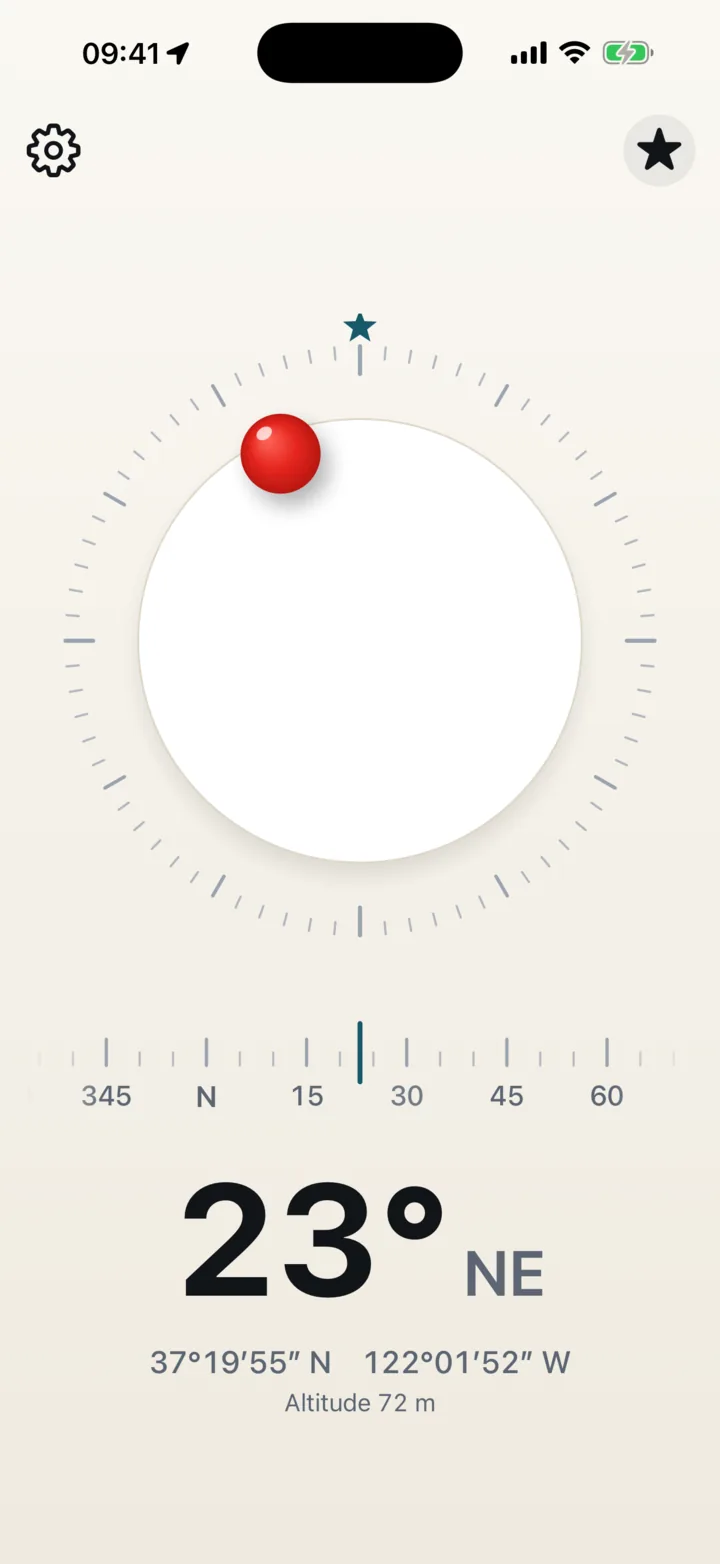
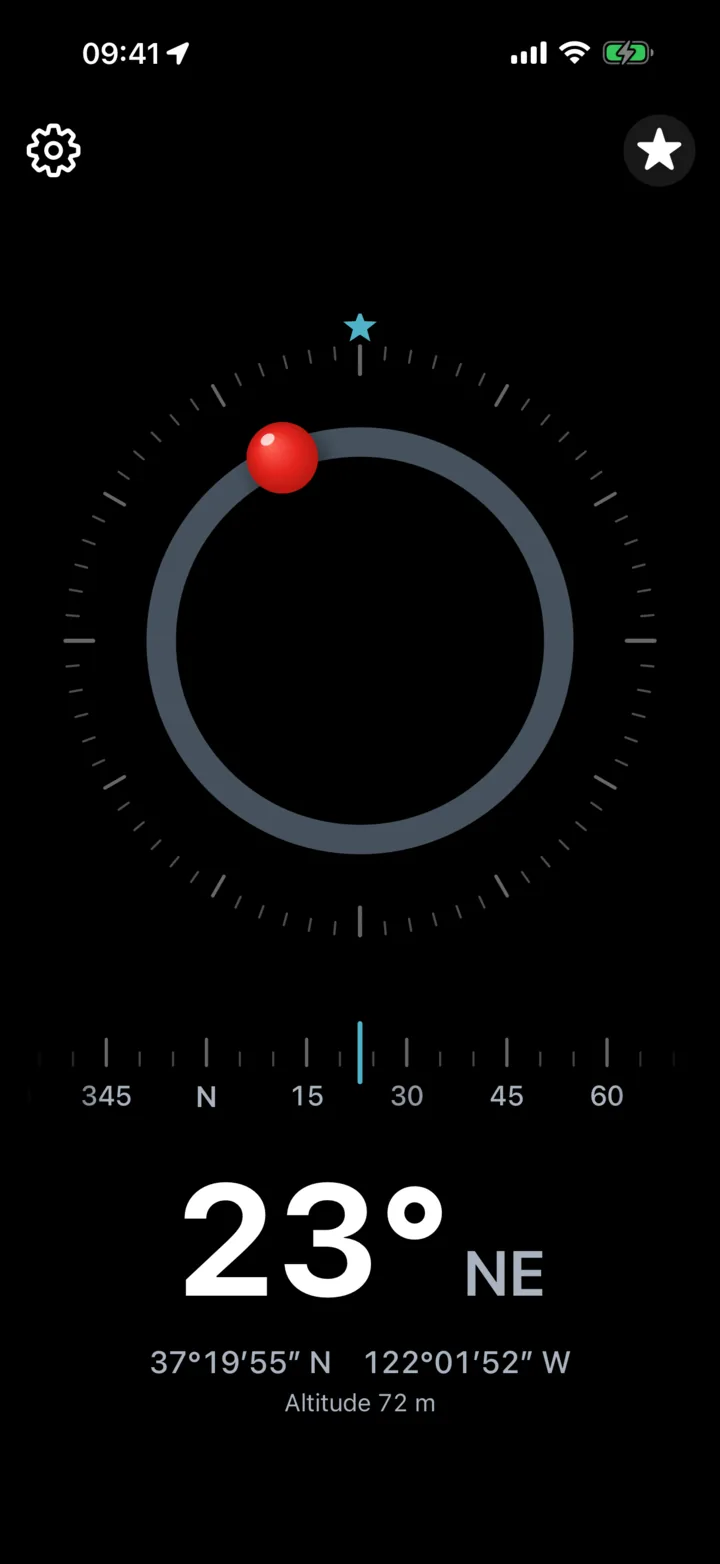
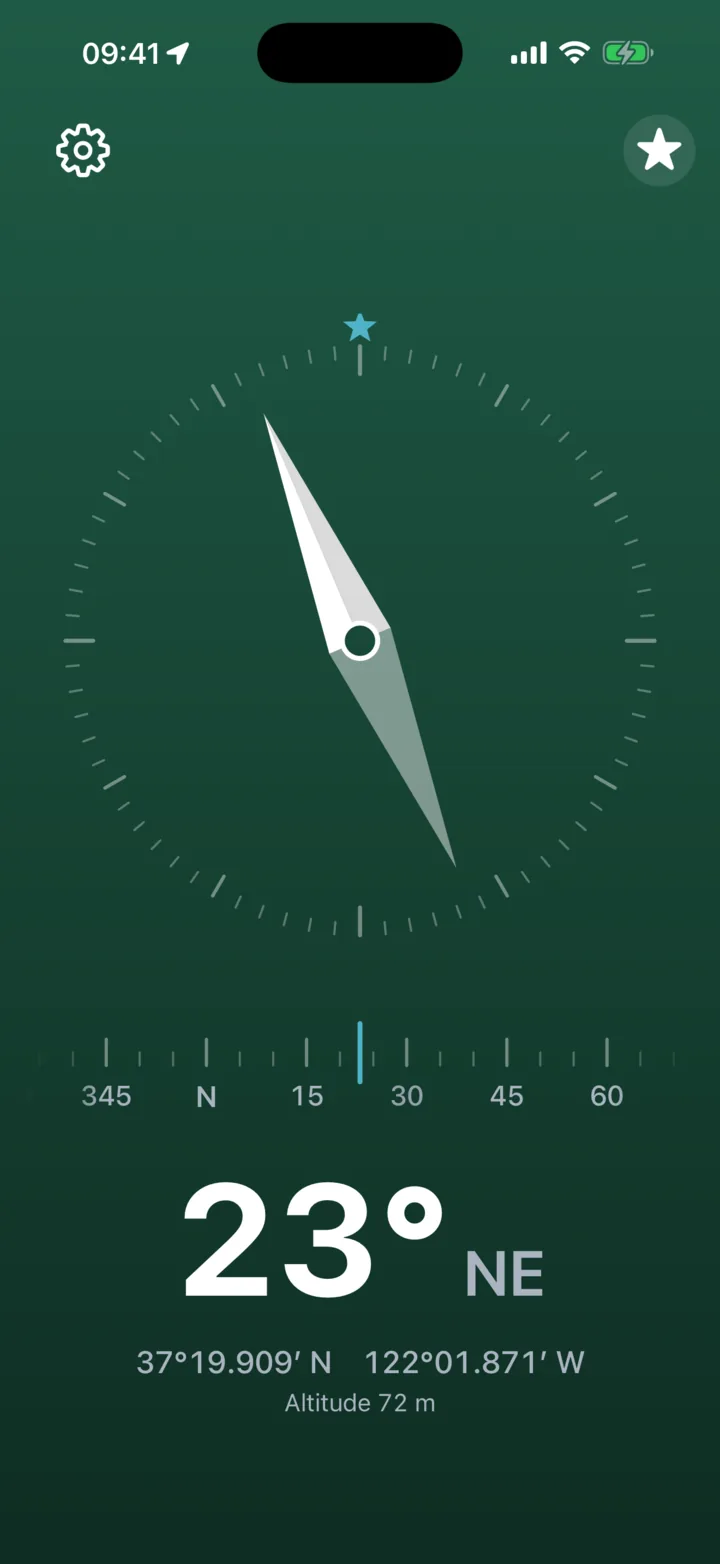
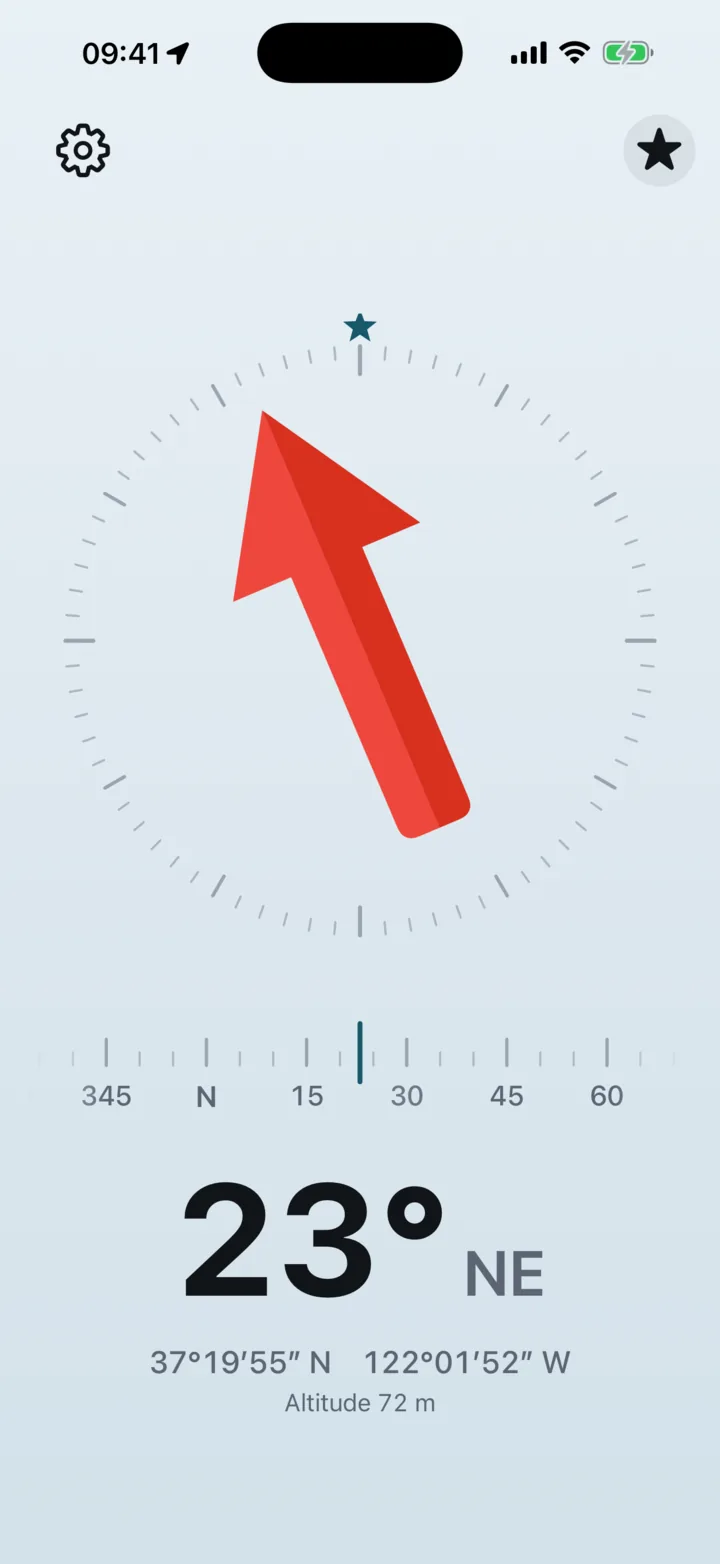
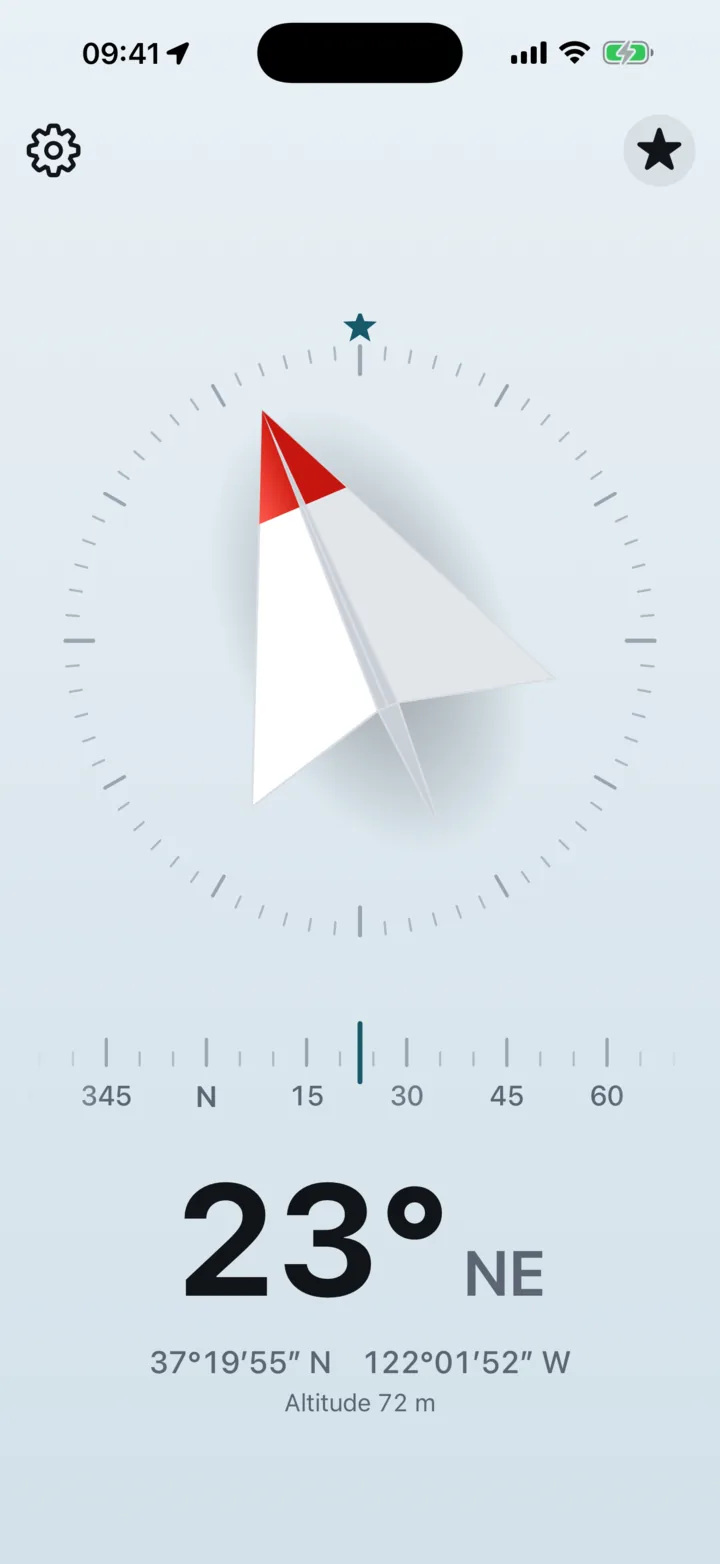
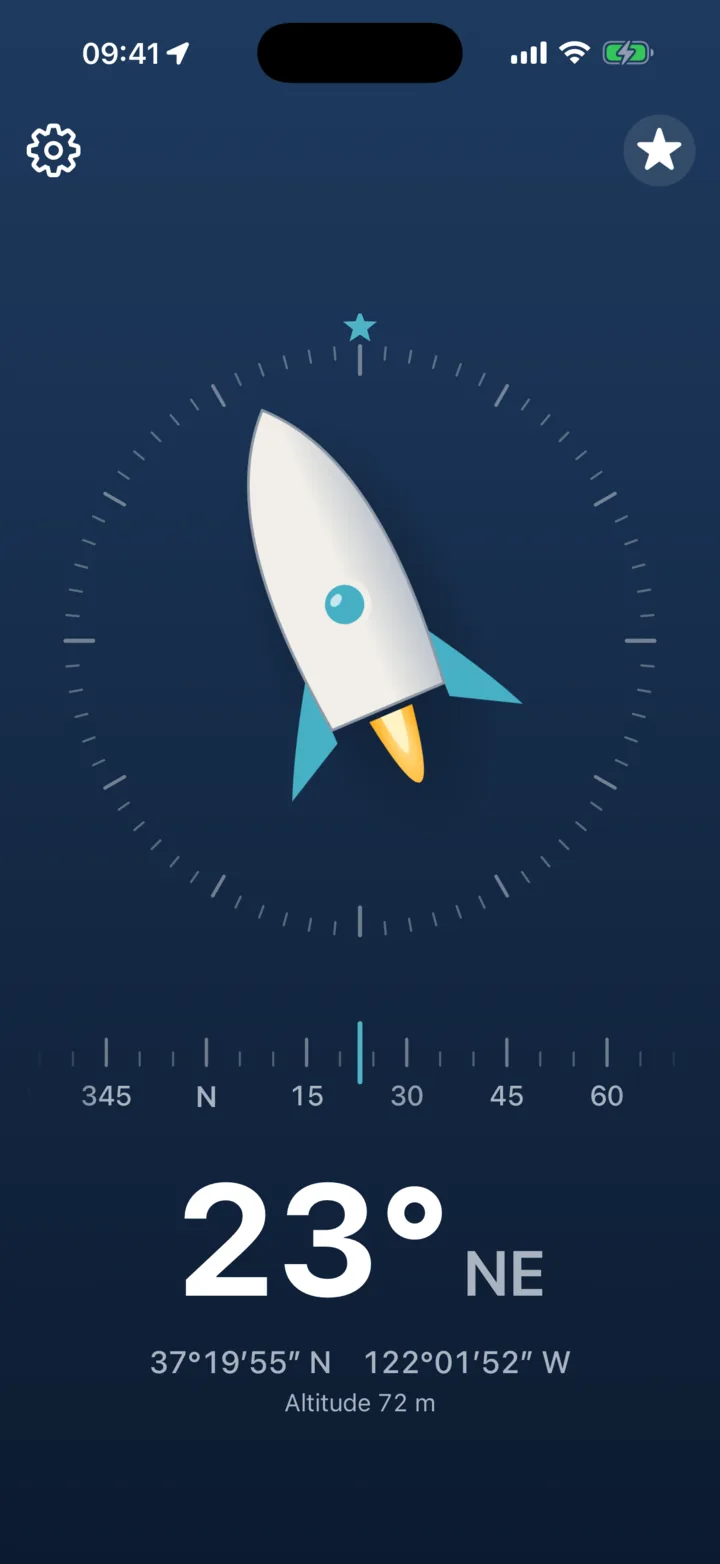
Turn on the tilt effect and the face leans as you tilt your device, with a real feeling of depth. It is off by default, because a compass should stay calm, and it stays off while Reduce Motion is on.
Find it in Settings, under Face. This is a demo for the website: in the app, the face follows the real tilt of your device.
Move your mouse over the compass.
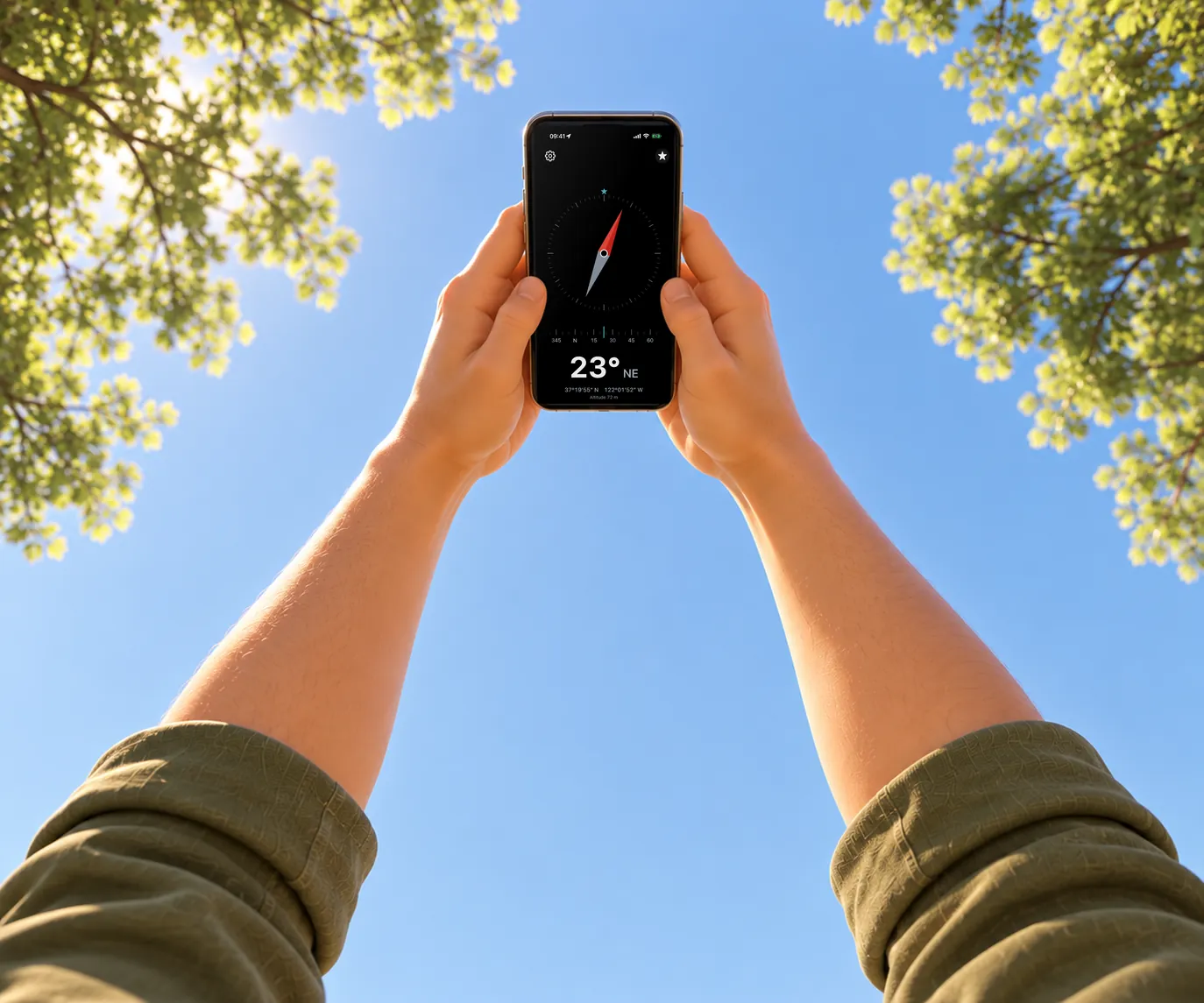
Lie down and hold your phone above you.
Does your compass still point north? Ours does.
Seen from below, east is on the left of north, so 3pNorth mirrors the dial and north stays where it really is. The big number and the heading tape still show where the top of your phone points.
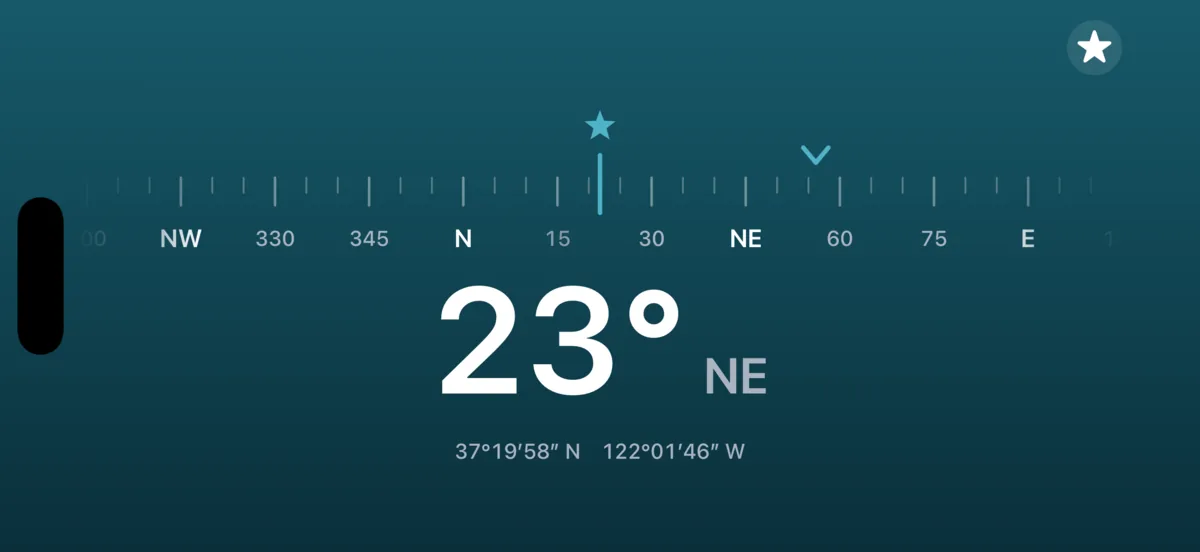
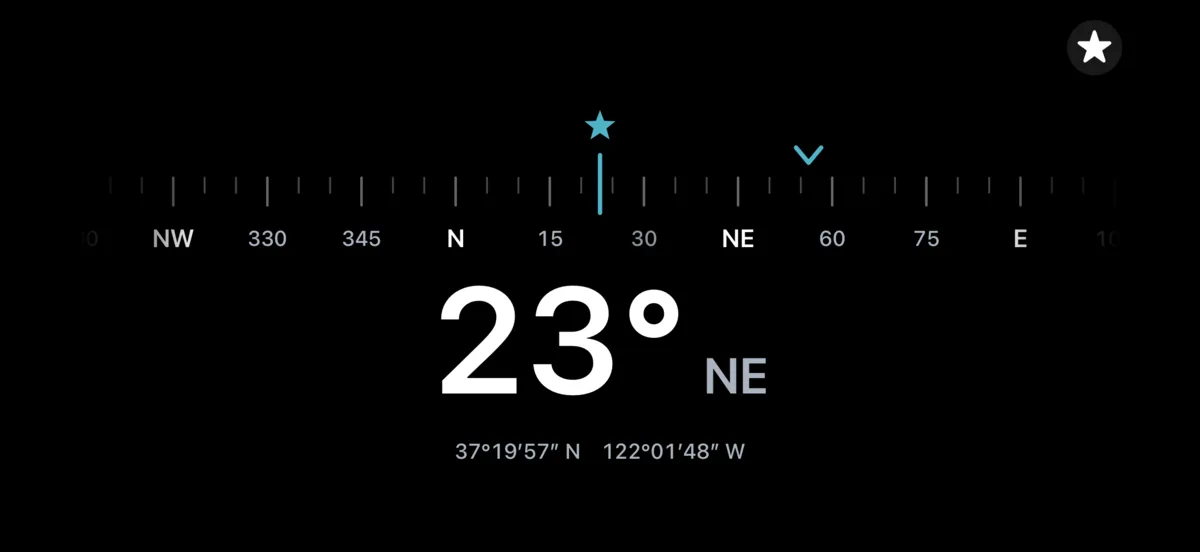
Hold your iPhone in landscape and you get a big heading tape and number, with nothing else in the way. Made for a mount in a car or on a bike. While you drive or ride, a small mark on the tape shows your direction of travel. The screen stays on.
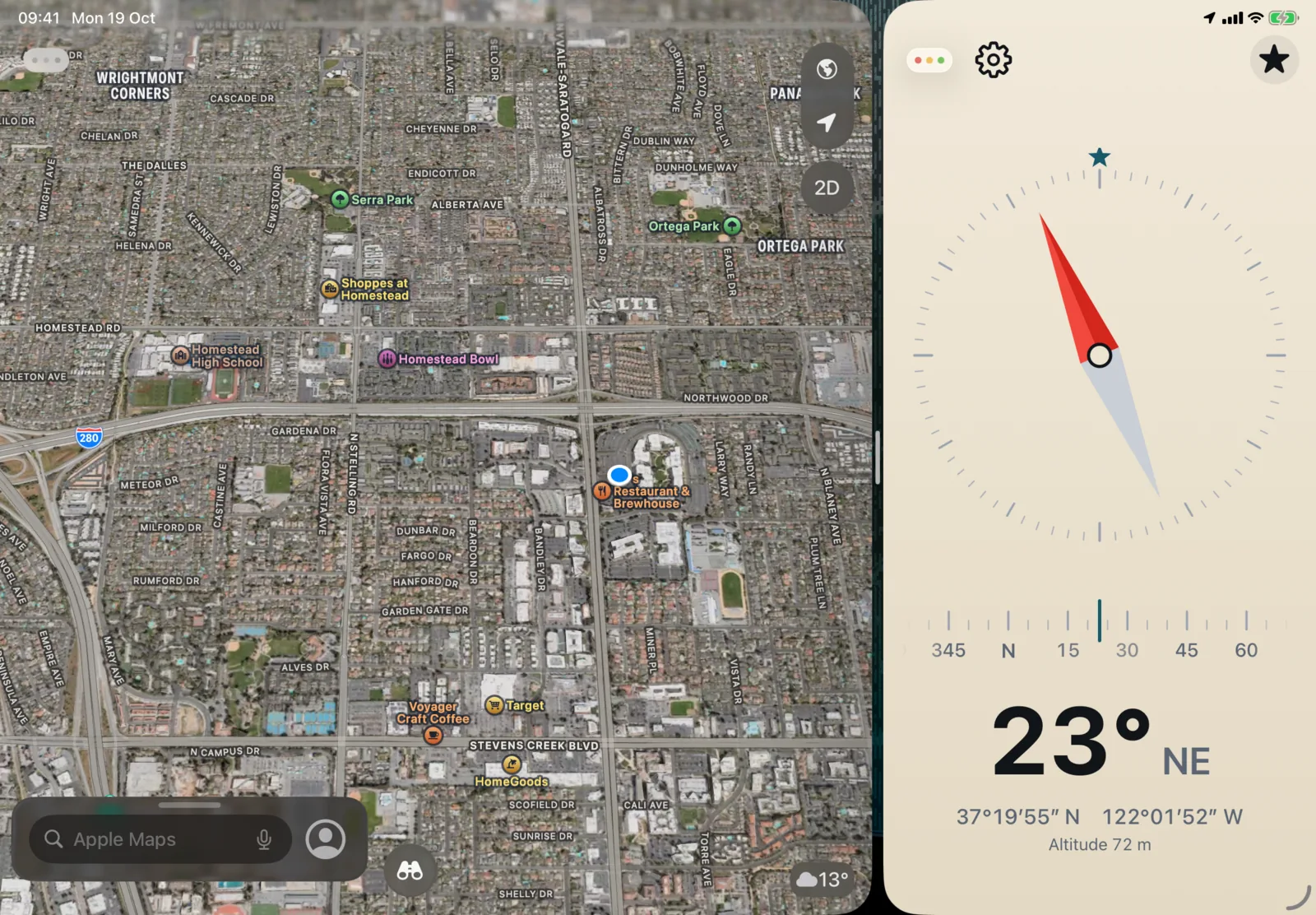
On iPad, 3pNorth works in a window of any size, side by side with your maps or any other app. Make the window short and it keeps just the heading tape and the big number.
One purchase for iPhone and iPad. On iPad, the direction of travel and the coordinates need a Wi-Fi + Cellular model.
3pNorth is made in Sardinia by Stooj, the small team behind a few other apps for the road and the trail.
The off-road inclinometer. Roll and pitch on a 3D vehicle, with limit alerts.
For iPhone, and Pro for iPhone and iPad

The off-road tripmaster. Precise distance and roadbook support, with an inclinometer built in.
For iPhone, and Pro for iPhone and iPad

The rally computer. TSD and regularity, roadbook navigation and open-road timing.
Free to try, for iPhone and iPad